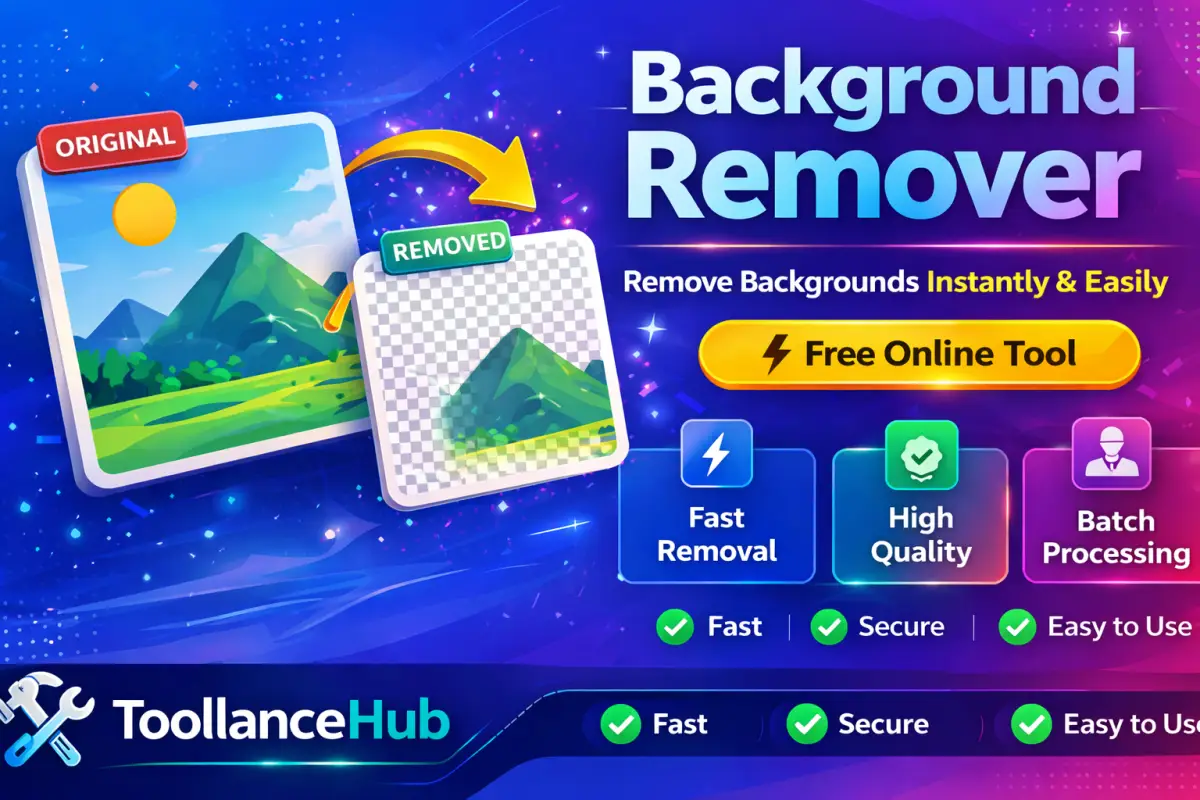
🖼️ What is an Image Background Remover?
An Image Background Remover is an advanced online tool that automatically detects the subject of an image and removes the background instantly. It uses AI-based processing to separate the main object from the background without manual editing.
This tool is ideal for beginners and professionals who want fast, high-quality results without using complex software like Photoshop.
🚀 Why Use an Online Background Remover?
Remove backgrounds within seconds
No visible quality loss
Runs locally in your browser
No signup or payment needed
📌 How to Remove Background from an Image (Step-by-Step)
✨ Key Features of This Tool
- 🧠 AI-powered automatic background detection
- 🖼️ Supports JPG, PNG, and WebP formats
- 🚫 No watermark on downloaded images
- ⚡ Fast and lightweight processing
- 📥 Instant download in transparent PNG
- 📱 Fully responsive (mobile + desktop)
🎯 Best Use Cases
Create clean product images for marketplaces
Design Instagram posts, ads & thumbnails
Use transparent images in creative projects
Make clean & professional DP
🔒 Is This Tool Safe?
Yes, this tool is completely safe and secure. Your images are processed directly in your browser using modern technologies, which means your files are never uploaded to any server.
This ensures full privacy and protection of your data.
❓ Frequently Asked Questions
Is this tool free to use?
Yes, it is completely free with no hidden costs.
Will the image quality be affected?
No, the tool maintains high-quality output with clean edges.
Which file formats are supported?
You can upload JPG, PNG, and WebP images.
Do I need to create an account?
No, you can use the tool without signup.
🚀 Final Thoughts
If you want a fast, reliable, and free way to remove backgrounds from images, this tool is the perfect solution. It delivers professional-quality results instantly without any technical skills.
Try it now and transform your images in seconds 🚀
📝 Discussions 0
No discussions yet. Be the first to join the conversation!