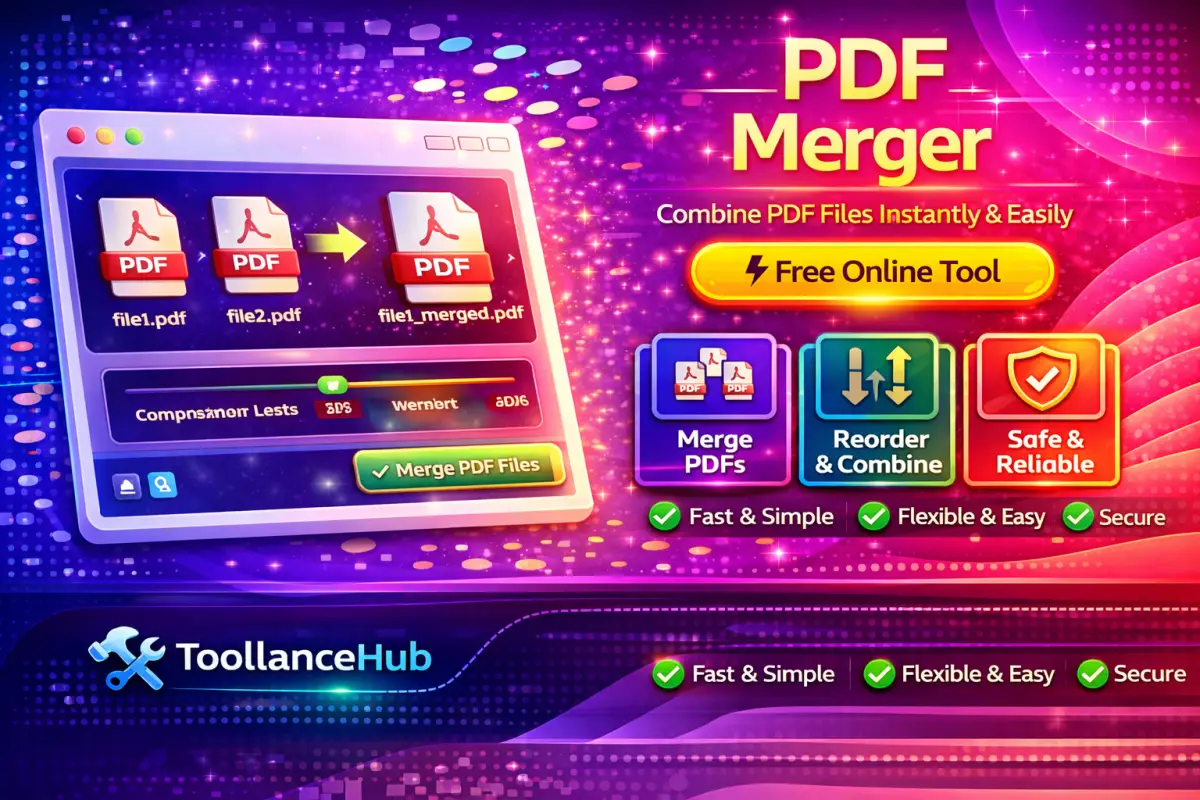
Merge PDF Files Online Without Hassle
Managing multiple PDF documents can quickly become messy. A PDF Merger helps you combine several files into one clean and organized document in just a few clicks. Whether you are handling reports, assignments, or business documents, merging PDFs saves time and improves workflow efficiency.
Why Combining PDFs is Important?
Instead of sending multiple files separately, merging them into a single PDF makes sharing easier and more professional. It also reduces confusion and keeps everything structured in one place.
- Keep all documents in one file
- Make file sharing faster and easier
- Improve presentation and organization
- Reduce file clutter
Step-by-Step Guide to Merge PDFs
You do not need any technical skills to merge PDFs. Just follow these simple steps:
- Select and upload your PDF files
- Reorder files as per your requirement
- Click on the merge button
- Download the final combined PDF
Key Features That Make It Useful
A good PDF merger tool offers more than just combining files. It ensures speed, security, and ease of use.
- Quick file processing without delays
- Secure uploads and downloads
- Works smoothly on mobile and desktop
- No installation required
- Free and accessible anytime
Who Should Use a PDF Merger?
This tool is useful for a wide range of users:
- Students: Combine assignments, notes, and study material
- Professionals: Merge reports, presentations, and documents
- Businesses: Organize invoices, contracts, and records
- Job Seekers: Combine resume and certificates into one file
Tips for Better Results
- Arrange files in the correct order before merging
- Remove unnecessary pages to keep file clean
- Check final document before downloading
- Use optimized files for faster processing
Helpful Tool You May Need
If your PDF is password protected, you can first unlock it using PDF Password Remover and then merge your files easily.
Final Thoughts
A PDF Merger is a simple yet powerful tool that helps you stay organized and work more efficiently. Instead of dealing with multiple files, combine everything into one document and manage your work with ease.
📝 Discussions 0
No discussions yet. Be the first to join the conversation!